

Build Business Portals with Power Pages Consulting Services
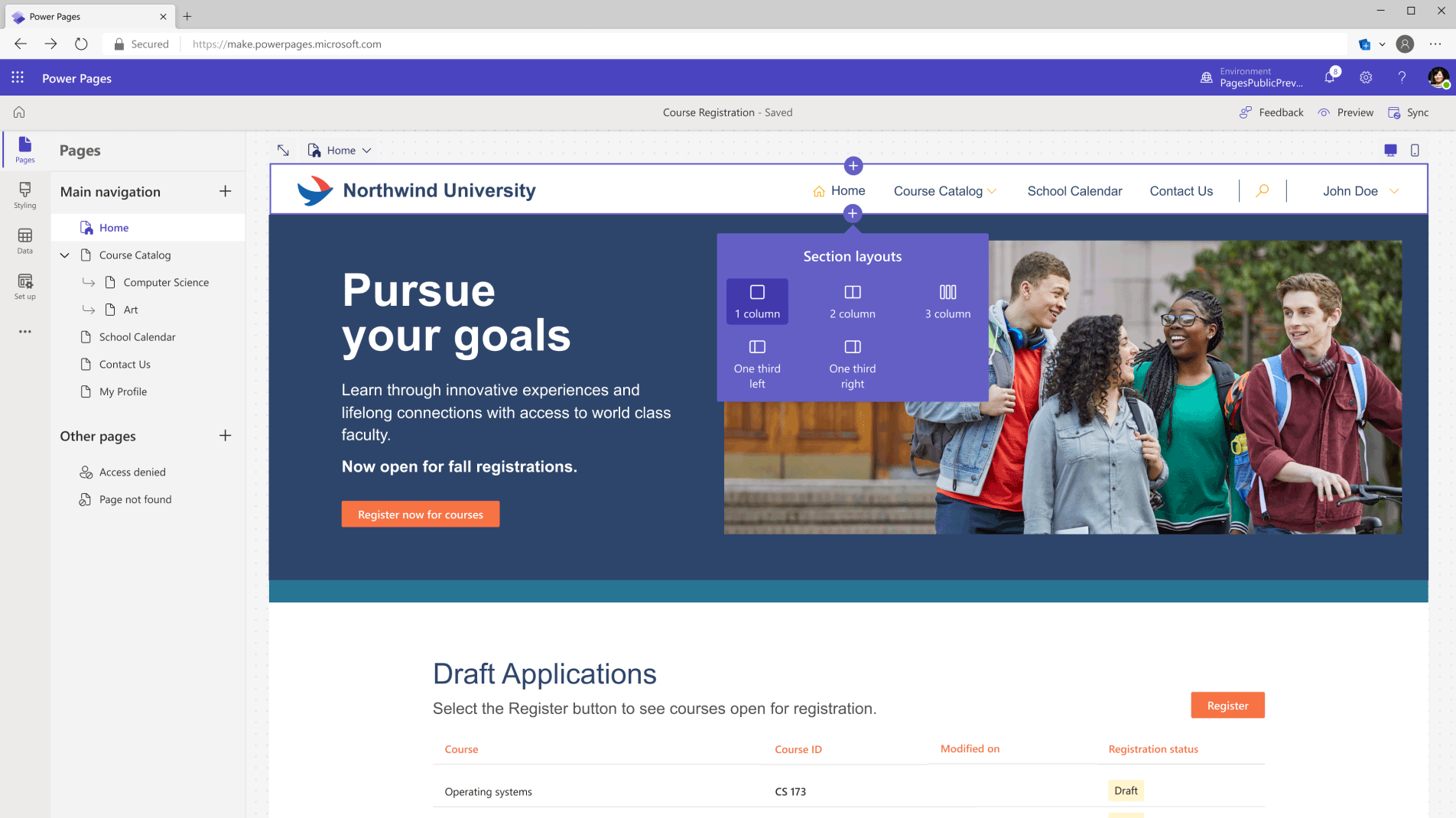
Create in Design Studio
Easily build with ready-to-use templates or create customizable experiences. Design your pages with text, video, imagery, and business data forms and lists.
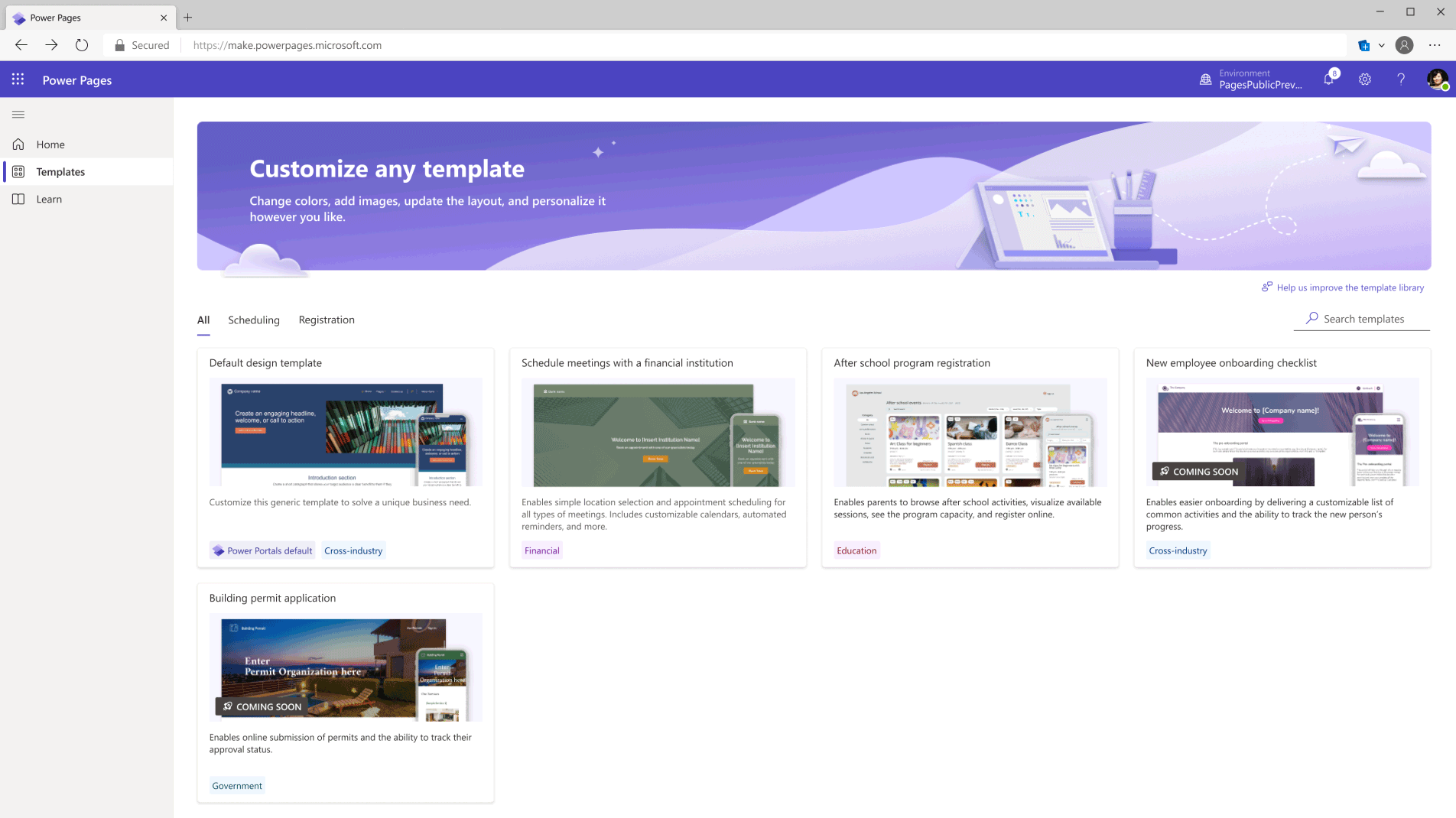
Build with Template Hub
Work with feature-rich templates that come with sample data—quickly create websites for scheduling, registration, and application submission.
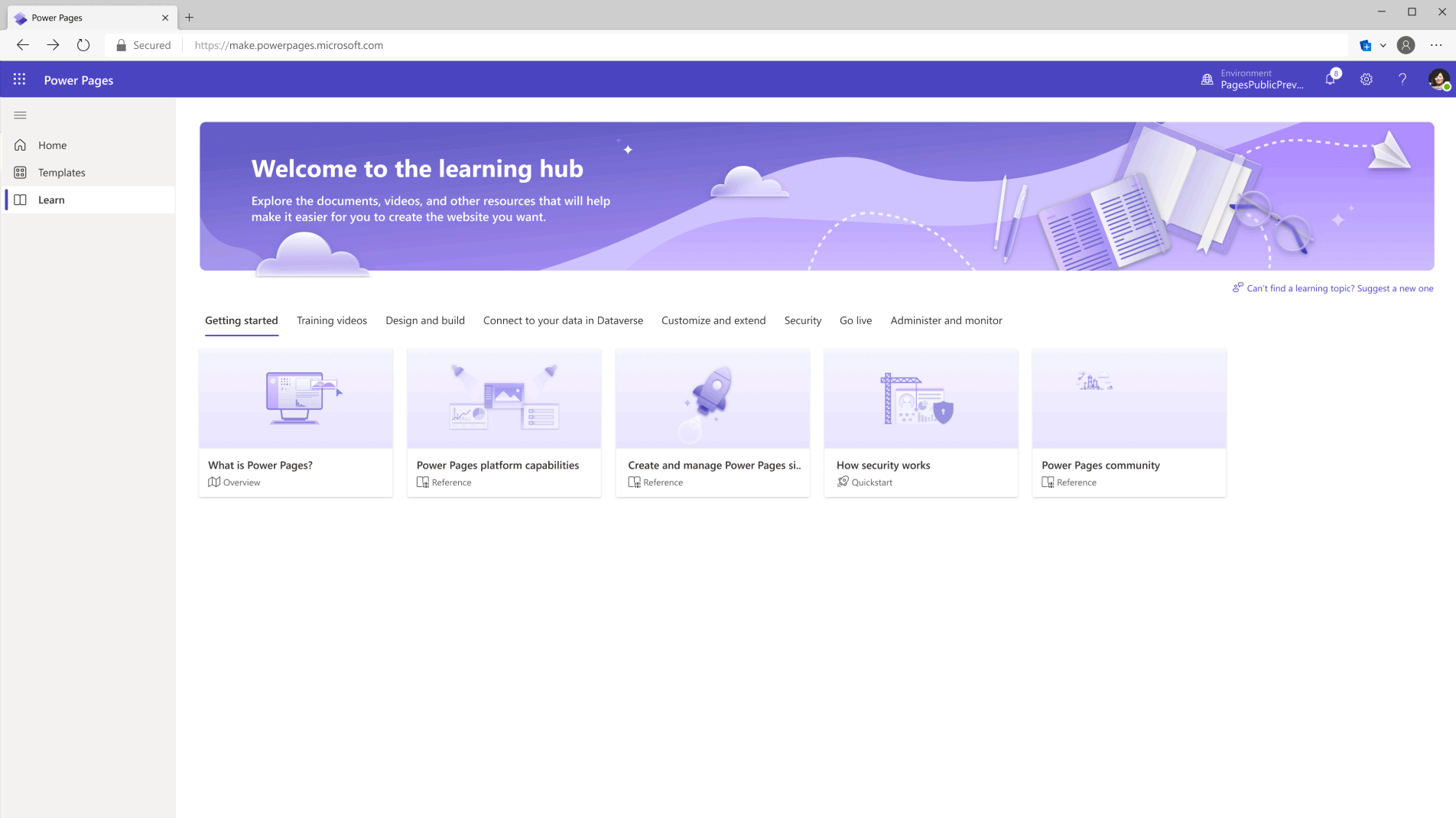
Get help in Learn Hub
Find assistance when you need it—explore guides, tutorials, and videos on how to build sites, configure pages, work with code components, and model and visualize business data.
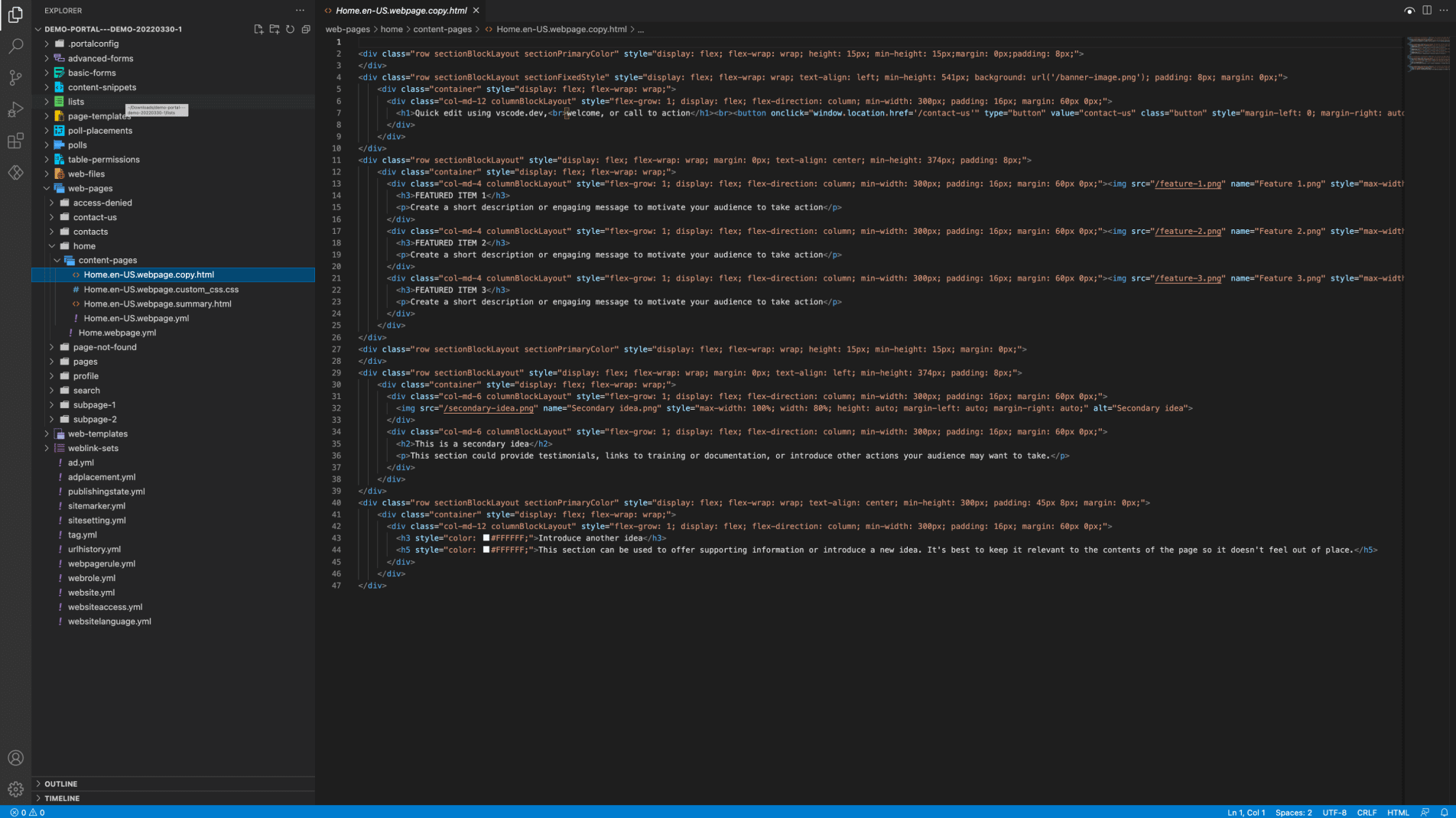
Build with pro tools
Give developers the ability to add deeper functionality and capabilities to websites with tools like Visual Studio Code, GitHub, and Azure DevOps.
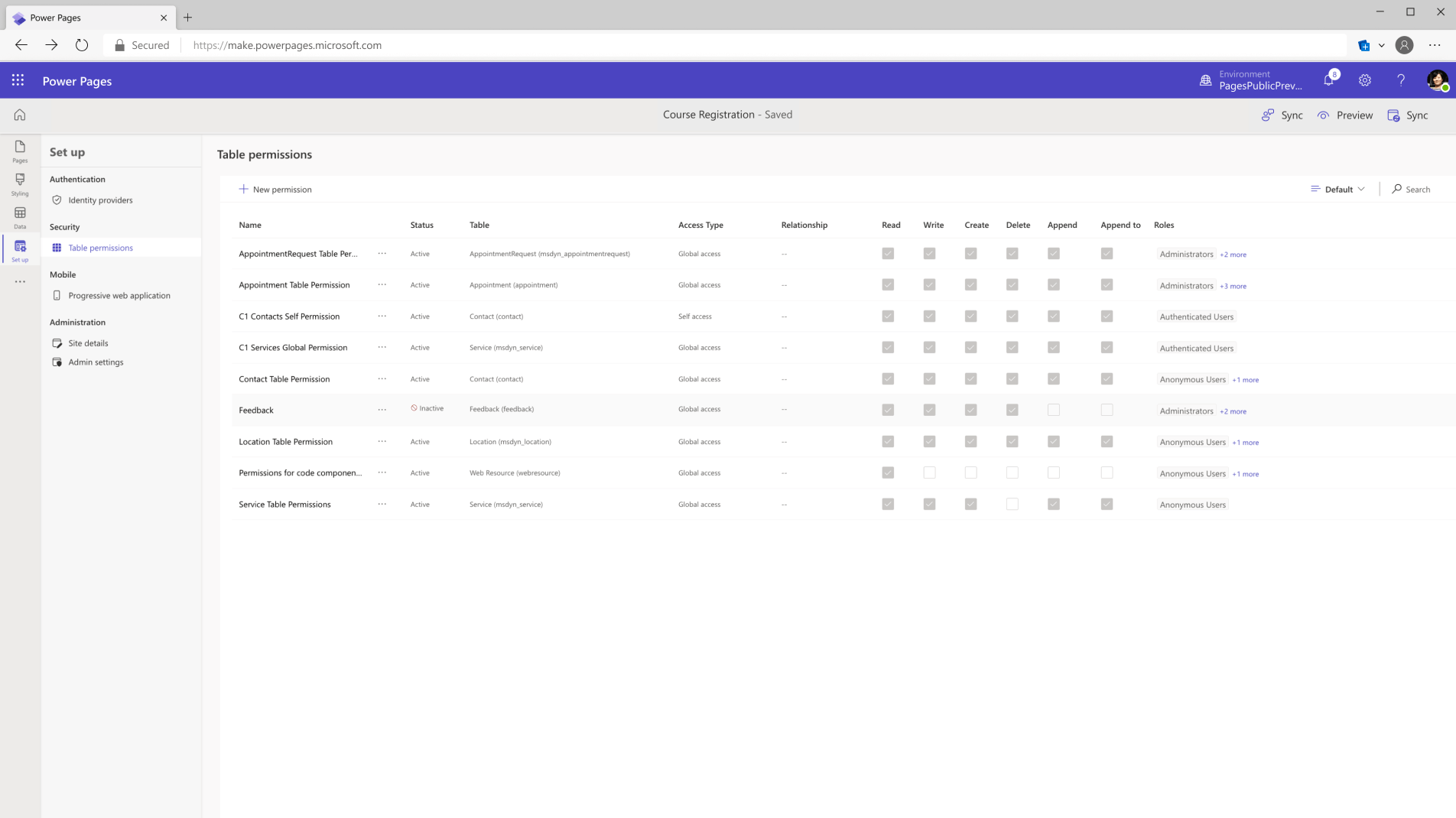
Ensure security and governance
Help secure your website content and data through role-based access controls and the security and compliance Microsoft Azure provides.
Frequently Asked Questions
We already have a website. Why would we need Microsoft Power Pages?
Your website is great for marketing and branding, but it doesn’t securely connect users to live business data. Power Pages adds a secure self-service portal where customers, vendors, or partners can log in, track orders, submit requests, view invoices, or raise support tickets directly from Dynamics 365, Dataverse, or your ERP.
Shreeji Softinfo helps businesses extend their existing websites with secure customer, vendor, and partner portals that reduce manual work and improve service efficiency.
Will Power Pages work with Dynamics 365 Business Central?
Yes. Power Pages can connect to Business Central through Dataverse and APIs, allowing users to view invoices, check order status, submit requests, and interact with ERP data without duplicating information.
Shreeji Softinfo specializes in integrating Power Pages with Business Central and other Dynamics 365 applications for a seamless user experience.
Can Power Pages handle complex business processes?
Absolutely. Power Pages supports multi-step forms, approvals through Power Automate, document uploads, role-based dashboards, and external integrations. It can be extended further using custom development when needed.
Shreeji Softinfo builds advanced portal solutions that automate complex workflows and improve operational efficiency.
How do we measure ROI from a Power Pages implementation?
ROI is typically driven by reduced manual effort, faster response times, improved customer experience, and better data accuracy. Key metrics include reduced support workload, portal adoption, and process turnaround times.
Shreeji Softinfo helps define measurable KPIs from the start so you can clearly track business value and ROI after implementation.
Can Power Pages integrate with systems outside Microsoft?
Yes. Power Pages can integrate with third-party applications, ERP systems, payment gateways, CRM platforms, and external databases through APIs, Power Automate, and Azure services.
Shreeji Softinfo helps businesses connect Power Pages with both Microsoft and non-Microsoft systems to create a unified digital experience.