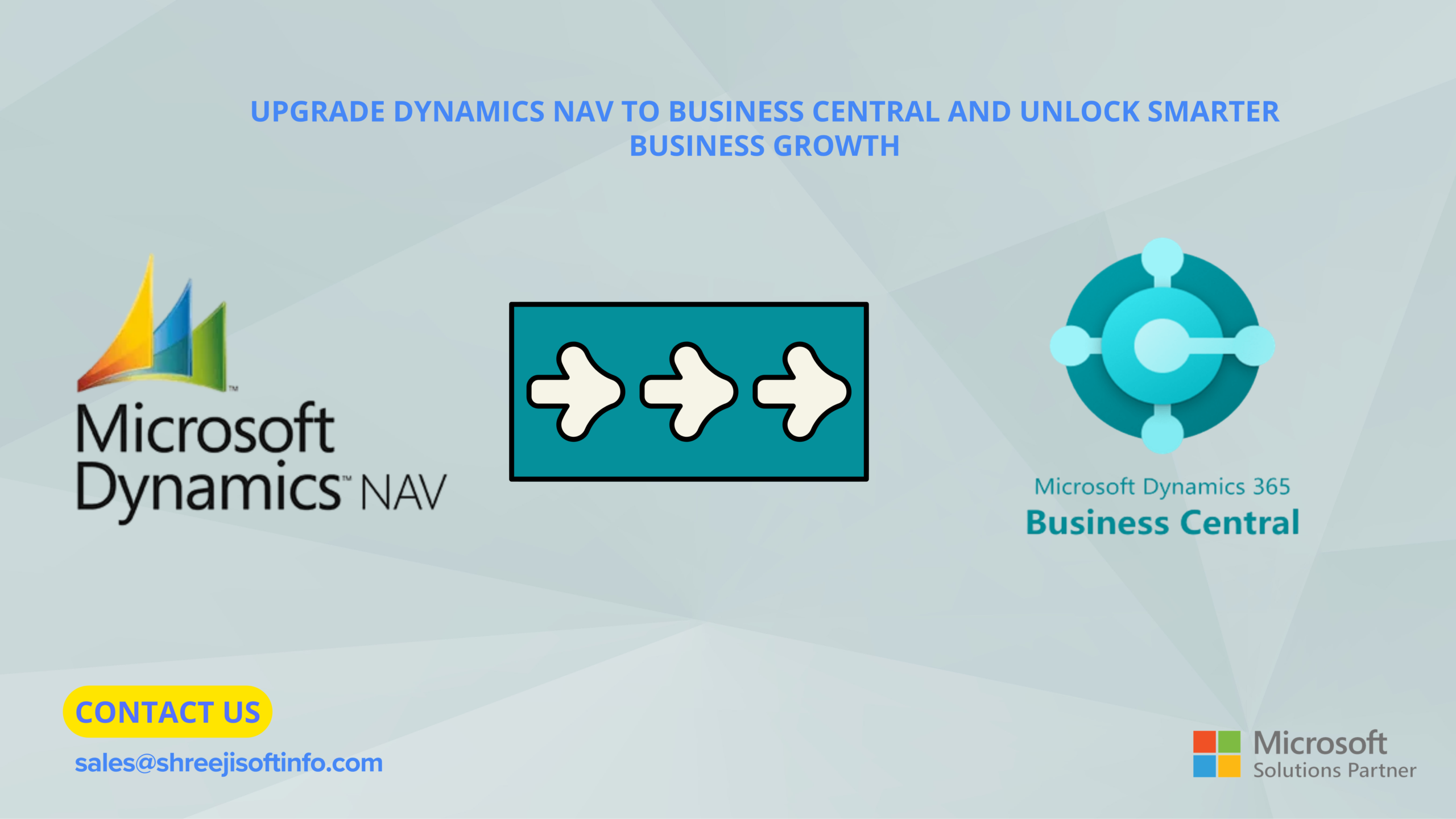
Upgrading from Dynamics NAV (Navision) to Dynamics 365 Business Central moves your ERP onto Microsoft’s modern, continuously updated platform. You get cloud access, built-in AI, native Microsoft 365 integration and lower IT overhead, and you avoid the security risks of running NAV after support ends. NAV 2017 extended support ends on 11 January 2027 and NAV 2018 on 11 January 2028. The best time to plan your upgrade is now.
For many growing companies, Microsoft Dynamics NAV has been a dependable backbone for finance, inventory and operations for over a decade. But business has changed. Teams work remotely, customers expect faster service, and leaders want real-time data rather than month-end reports. Navision was not built for that world. Dynamics 365 Business Central was.
In this guide, the ERP specialists at Shreeji Softinfo Consultancy LLP explain what changes when you move from Navision to Business Central, why the timing matters, and how to upgrade without disrupting daily operations.
What is the difference between Dynamics NAV (Navision) and Dynamics 365 Business Central?
Dynamics 365 Business Central is the direct successor to Navision. It shares the same functional heritage, but it runs on a modern, cloud-first architecture. Microsoft acquired Navision in 2002, renamed it Dynamics NAV, and in 2018 relaunched the product as Business Central. If your team knows NAV, the core processes in Business Central will feel familiar.
The differences show up in how the system is built, delivered and extended:
- Deployment: NAV runs on on-premises servers. Business Central runs in the cloud (SaaS) or on-premises.
- Updates: NAV needs manual, costly version upgrades. Business Central updates automatically twice a year.
- Customisation: NAV customisations are coded inside the base app. Business Central uses extensions that sit outside it.
- Access: NAV relies mostly on an in-office Windows client. Business Central works in any browser and on tablet and mobile apps.
- Microsoft 365: NAV offers limited integration. Business Central connects natively with Outlook, Excel and Teams.
- AI and analytics: NAV needs add-ons. Business Central includes Copilot and Power BI.
- Support status: NAV support is ending between 2027 and 2028. Business Central is actively developed.
The most important change is the extension model. In NAV, customisations were written directly into the base code, which made every upgrade expensive. In Business Central, extensions keep your custom features separate, so future updates install without breaking them.
Why should you upgrade from Navision now?
Dynamics NAV support is running out, and every month on an ageing system adds risk and cost. Microsoft supports each NAV version for five years of mainstream support followed by five years of extended support, which covers security fixes only.
Here is where each recent version stands. NAV 2018 extended support ends on 11 January 2028, and NAV 2017 ends on 11 January 2027. NAV 2016 support already ended on 14 April 2026, and NAV 2015 and older versions are fully out of support.
Once support ends, staying on Navision brings real business risks:
- Security exposure: new vulnerabilities go unpatched, a serious concern for financial and customer data.
- Compliance gaps: tax rules, e-invoicing and statutory reporting change, and an unsupported system falls behind.
- Rising IT costs: ageing servers, older SQL versions and scarce NAV developers become more expensive each year.
- Integration limits: modern e-commerce, banking and CRM tools increasingly expect cloud APIs that NAV lacks.
A planned upgrade typically takes a few months, especially for heavily customised systems. Starting early lets you move on your schedule rather than under deadline pressure.
How does Business Central unlock smarter business growth?
Business Central turns your ERP from a record-keeping tool into a growth platform. Here is how the upgrade pays off.
1. Real-time visibility for faster decisions
Live dashboards and embedded Power BI reports show cash flow, sales, stock and margins as they happen. Leaders no longer wait for month-end reports to spot a problem or an opportunity.
2. Work from anywhere
Because Business Central runs in the browser and on mobile apps, sales teams can check stock on site, managers can approve purchase orders on the move, and finance can close the books remotely.
3. AI that saves hours every week
Microsoft Copilot in Business Central helps draft product descriptions, suggest bank reconciliation matches, and summarise records. Routine tasks that once took hours now take minutes.
4. Seamless Microsoft 365 integration
Your team can create quotes from Outlook, edit data in Excel and share records in Teams without switching systems. Less copy-paste means fewer errors.
5. Scale without new infrastructure
Adding users, companies, countries or currencies is a configuration change, not a hardware project. Business Central grows as your business grows.
6. Lower total cost of ownership
With the cloud version, Microsoft manages hosting, backups and updates. You replace server, maintenance and upgrade costs with a predictable per-user subscription.
7. Stronger security and compliance
Business Central runs on Microsoft Azure, with enterprise-grade security, regular patches and role-based permissions. Your data is protected without a dedicated in-house security team.
How do you upgrade from Dynamics NAV to Business Central?
A successful Navision to Business Central upgrade follows six clear stages:
- Assessment: review your NAV version, data volume, customisations, add-ons and integrations, and decide between cloud and on-premises.
- Planning: map each customisation to standard Business Central features, AppSource apps or new extensions. Many old customisations are no longer needed.
- Code conversion: convert remaining customisations from C/AL to AL extensions so they survive future updates.
- Data migration: clean up old records, then move master data and historical transactions using Microsoft’s upgrade tools.
- Testing and training: run user acceptance tests with real scenarios and train each team on the new screens and workflows.
- Go-live and support: switch over at a low-activity time, such as after a period close, with hands-on support in the first weeks.
The path depends on your starting version. Older releases such as NAV 2009 or 2013 usually need a step-by-step technical upgrade, so an experienced partner makes a big difference.
Why choose Shreeji Softinfo Consultancy LLP for your Business Central upgrade?
Shreeji Softinfo Consultancy LLP helps businesses move from Dynamics NAV to Dynamics 365 Business Central safely, on time and with minimal disruption. Our consultants know both Navision and Business Central, so we understand where your data and processes come from and where they need to go.
What you get when you work with us:
- A free NAV upgrade assessment that maps your customisations, risks, timeline and budget before you commit.
- Clean-core upgrades that replace old code with standard features or AL extensions wherever possible.
- Secure data migration with validation checks, so balances, stock and history match after go-live.
- Industry-ready setups for manufacturing, distribution, retail, trading and services.
- Training and post-go-live support so your team adopts the new system with confidence.
Our goal is not just a technical upgrade. It is an ERP that helps you sell more, operate leaner and decide faster.
Frequently asked questions
1. Is Dynamics 365 Business Central the same as Navision?
No, but it is Navision’s direct successor. Business Central builds on NAV’s proven functionality and adds cloud deployment, automatic updates, Copilot AI and Microsoft 365 integration.
2. When does Dynamics NAV support end?
Extended support for NAV 2017 ends on 11 January 2027 and for NAV 2018 on 11 January 2028. NAV 2016 and all older versions are already out of support.
3. Can I keep my NAV data and customisations?
Yes. Your master data and transaction history can be migrated. Customisations are either replaced by standard features or rebuilt as AL extensions.
4. How long does a NAV to Business Central upgrade take?
Most projects take two to six months, depending on your NAV version, data volume and level of customisation.
5. Should I choose Business Central cloud or on-premises?
Cloud suits most businesses because it lowers IT costs and includes automatic updates. On-premises may suit companies with strict data residency or infrastructure needs. Shreeji Softinfo Consultancy LLP can help you compare both.
Conclusion: make your move before the deadline
Upgrading from Dynamics NAV to Business Central is more than an IT project. It is a chance to modernise how your business runs. Moving from Navision to Dynamics 365 Business Central gives you real-time insight, AI-powered productivity, anywhere access and a platform that keeps improving with every update.
With NAV support deadlines close, the businesses that plan now will upgrade on their own terms and start growing sooner.
Ready to upgrade? Contact Shreeji Softinfo Consultancy LLP today for a free Dynamics NAV upgrade assessment, and take the first step toward smarter business growth with Dynamics 365 Business Central.