
Introduction to Profiler Schedule in Business Central
This release will add the additional support for capturing performance profiles automatically and noninteractively in the background, based on well-defined rules triggering capture. Captured profile details can then be analysed afterwards.

In Business Central 2021 wave 2 (BC19), Microsoft added the AL performance profiler to the Visual Studio Code AL experience. This feature is mainly for developers. The performance profiler has empowered pro developers to investigate performance as part of developing new functionality.
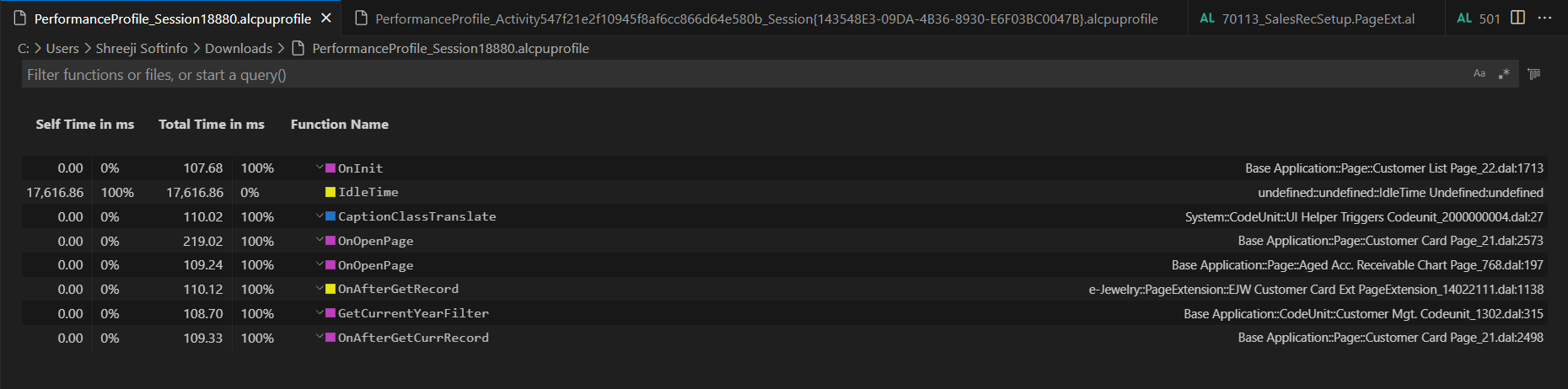
In Business Central 2022 wave 1 (BC20), Microsoft are going to take this even further. The in-client performance profiler feature is available. Any user with permission can analyse performance issues in Business Central.

Active Apps: Shows the apps that where active during the recording. They were either running or called other apps. The duration represents the time you might save by removing an app.
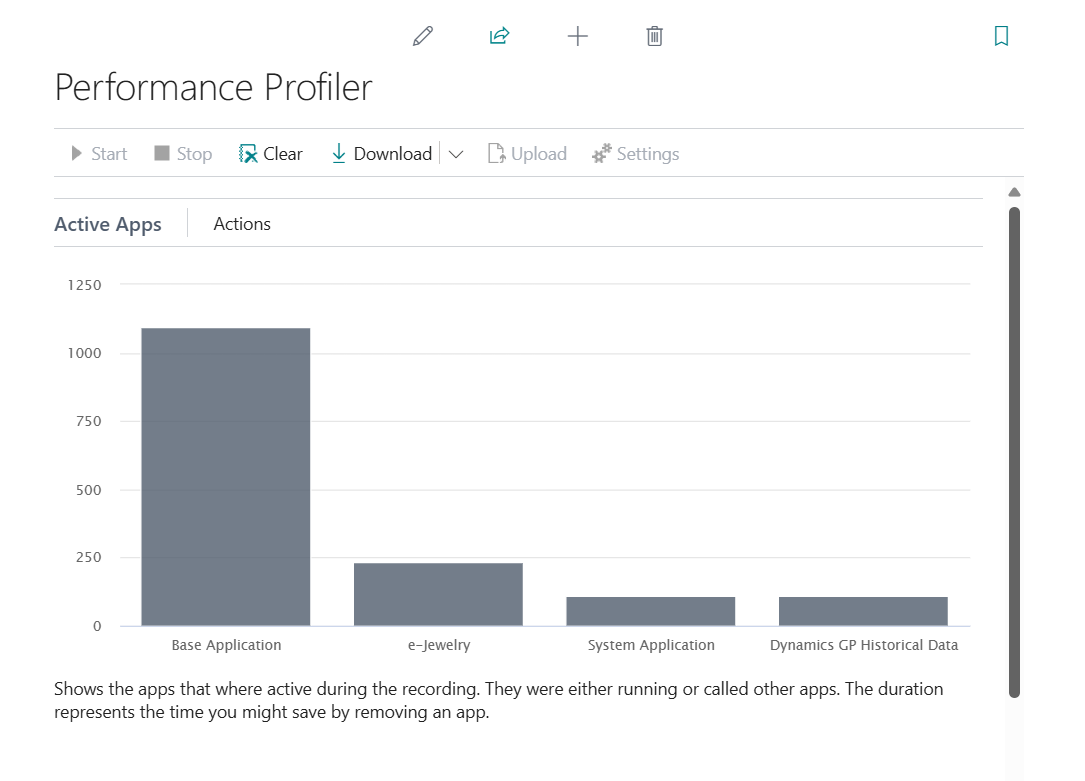
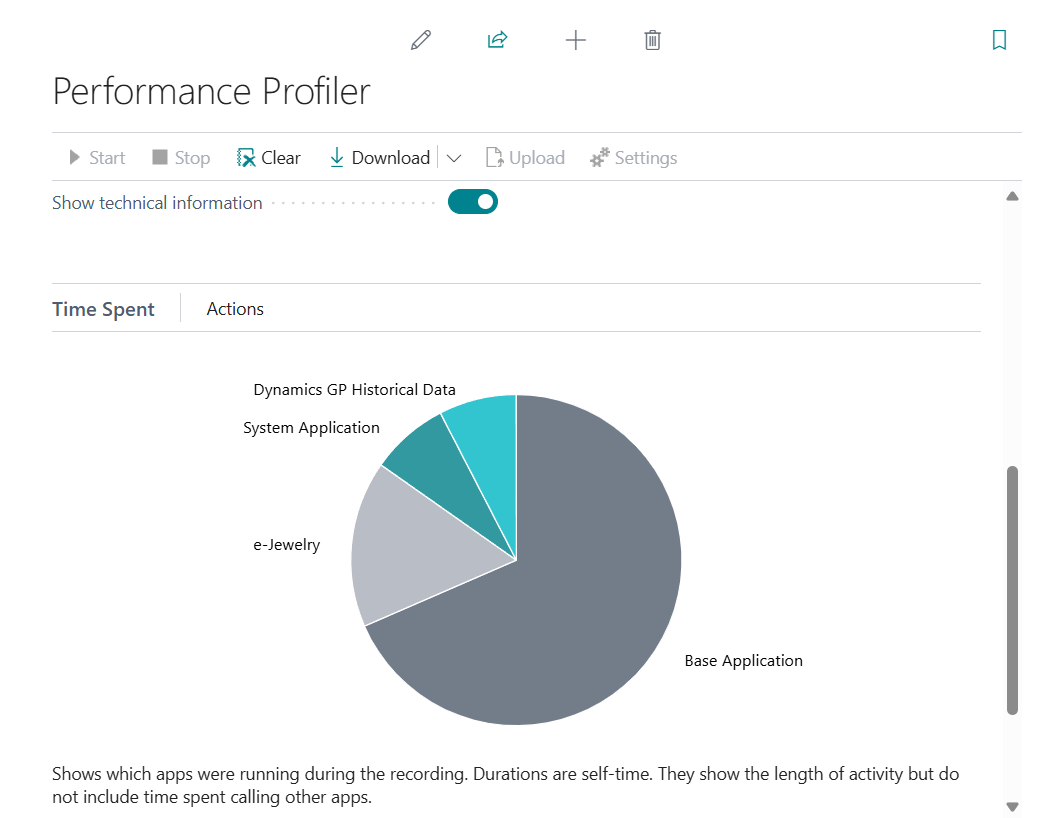
Time Spent: Shows which apps were running during the recording. Durations are self-time. They show the length of activity but do not include time spent calling other apps.
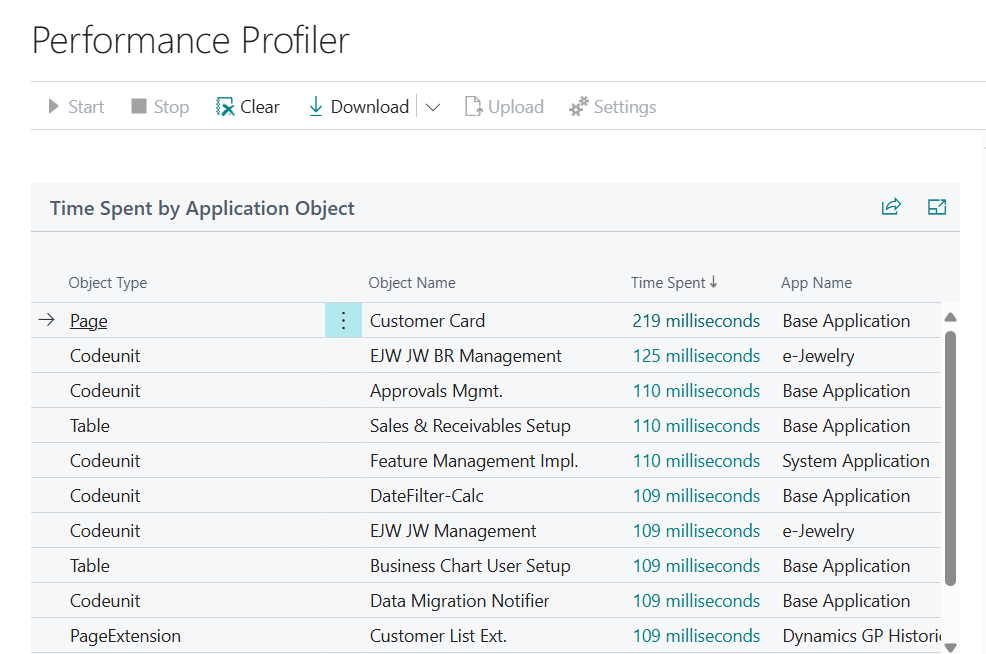
Time Spent by Application Object:
Call Tree:

Here screen recording will update……….
With this update (BC25), a new rule-based scheduling mode has been added for capturing performance profiles in the background. Previously, profiling required manually starting the profiler, performing actions in the client, stopping it, and then analysing the results. Now, you can set up rules to automatically capture performance data without manual intervention.
To create a new profile rule schedule, open the Profiler Schedules page.
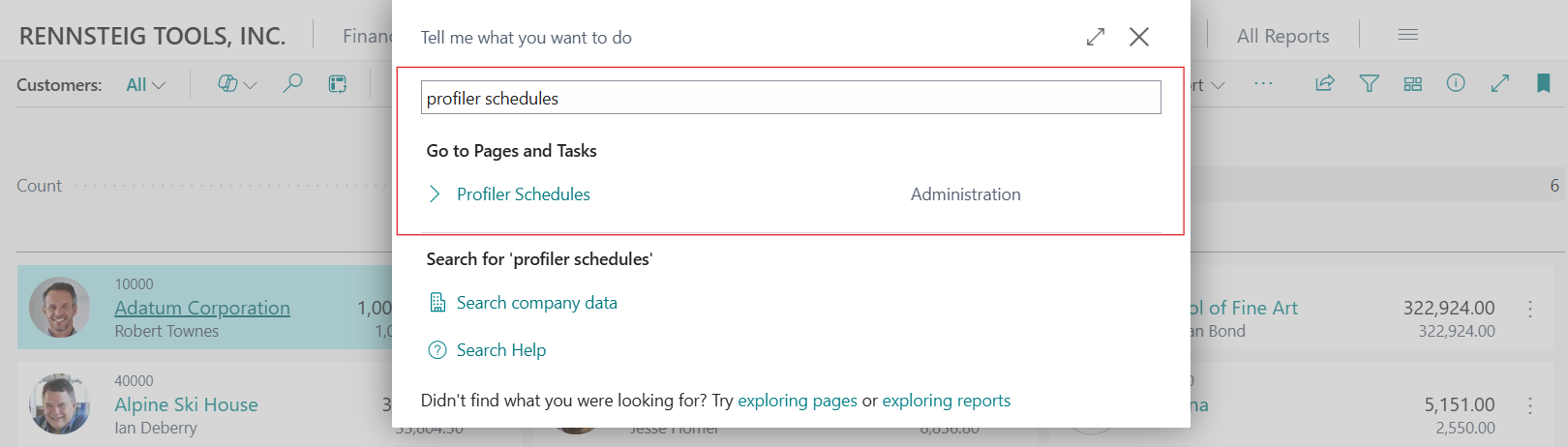
When creating a new profile capture schedule,
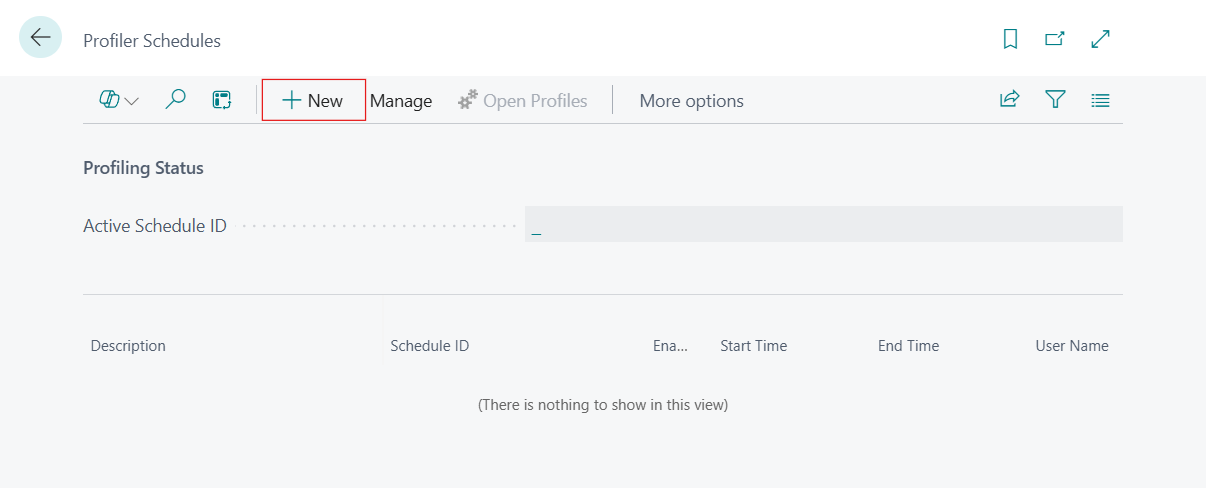
You can define a number of rules and settings:
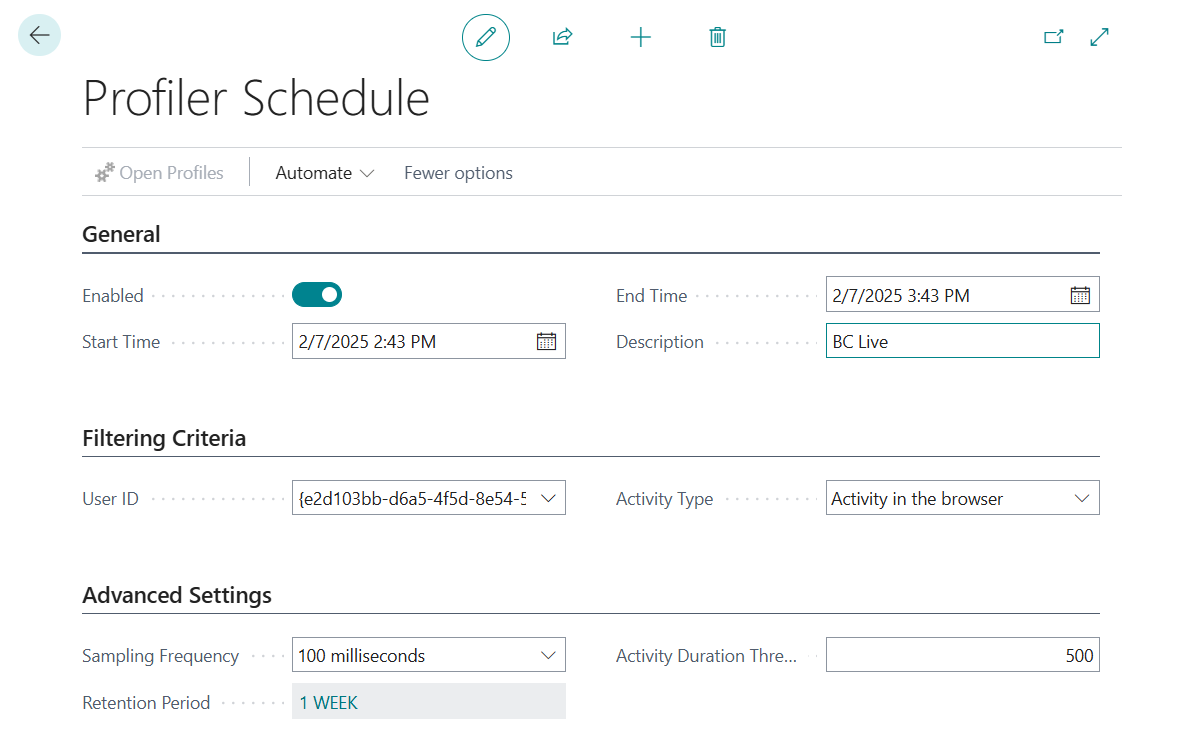
- Enabled: Allows you to enable or disable the defined schedule.
- Start and End Time: Sets the duration in schedule is active and can trigger profile captures.
- Description: Add your own description of the profile schedule.
- User ID: Choose whether the scheduling only captures profiles for a specific user.

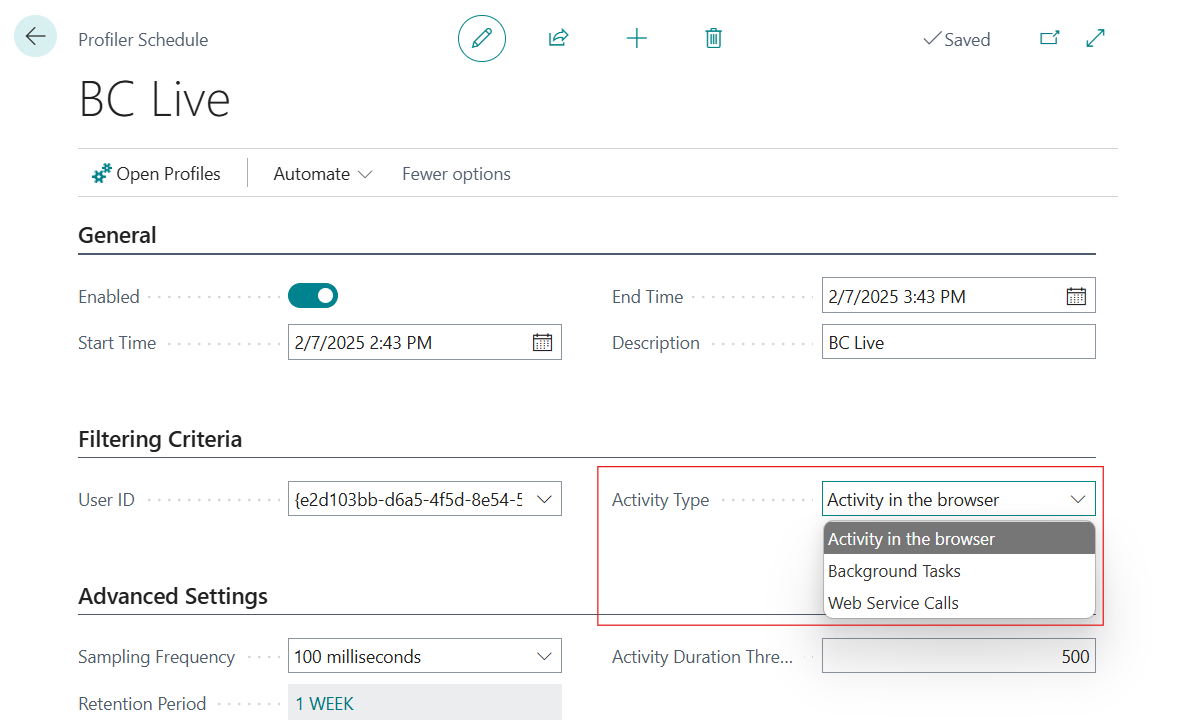
- Activity Type: Select the kind of activity that will trigger capturing profiles. It can be background tasks, or activity in the browser (such as opening a page).
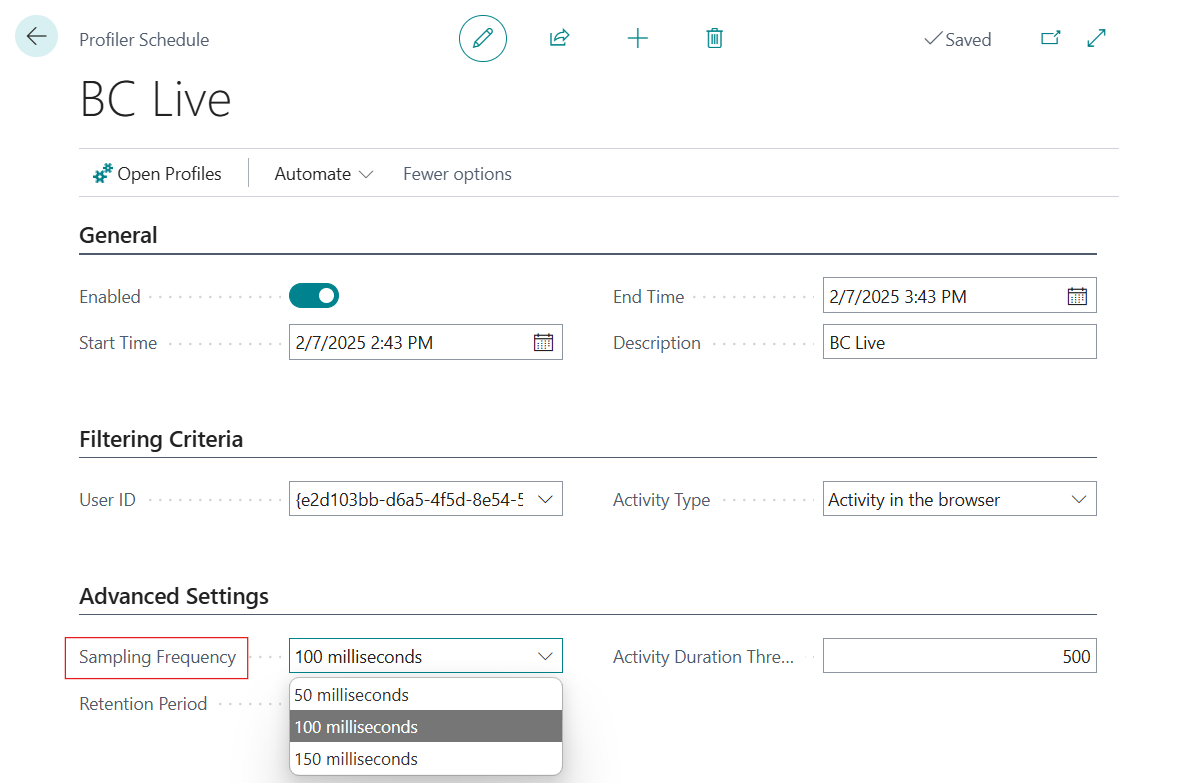
- Sampling frequency: Choose the sampling frequency used when capturing profiles. You can select the same options as in the existing interactive in-client performance profiler, or AL profiler in Visual Studio Code.
- Profile creation threshold: Specify the minimum duration of the profile for it to be saved.
- Retention period: Specify how long captured profiles for this schedule should be kept.
The following example shows how you can set up a schedule for capturing profiles for a specific Users browser activity during 1 hour. However, you can extend the duration as needed based on your profiling requirements.
Once profile schedules have been defined, enabled, and run, you can view all the captured profiles in the Performance Profiles list page, and open a selected profile for detailed analysis, similar to what’s known from the in-client performance profiler.
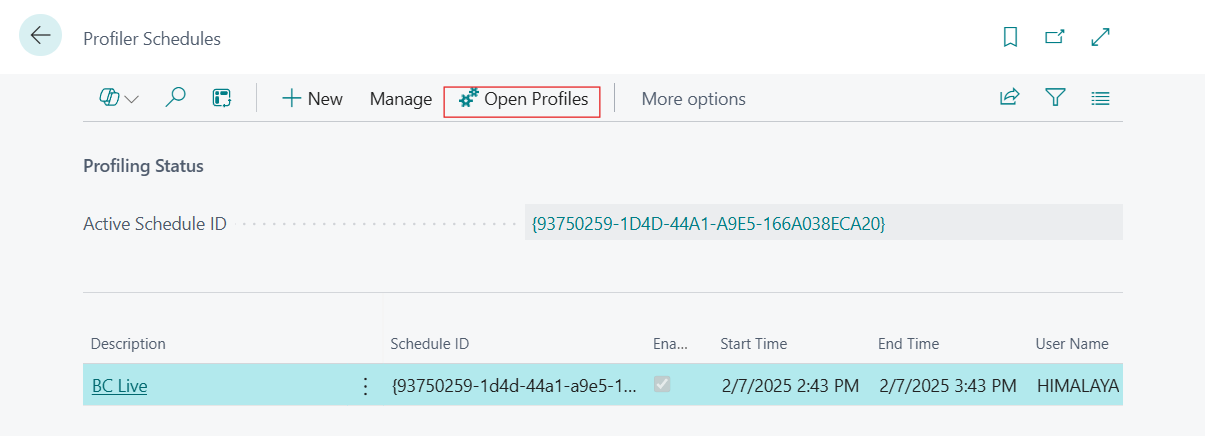
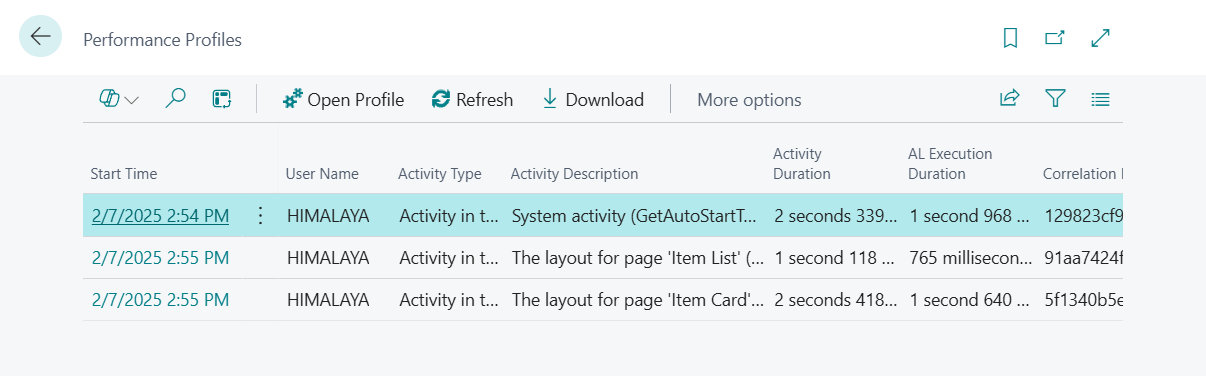
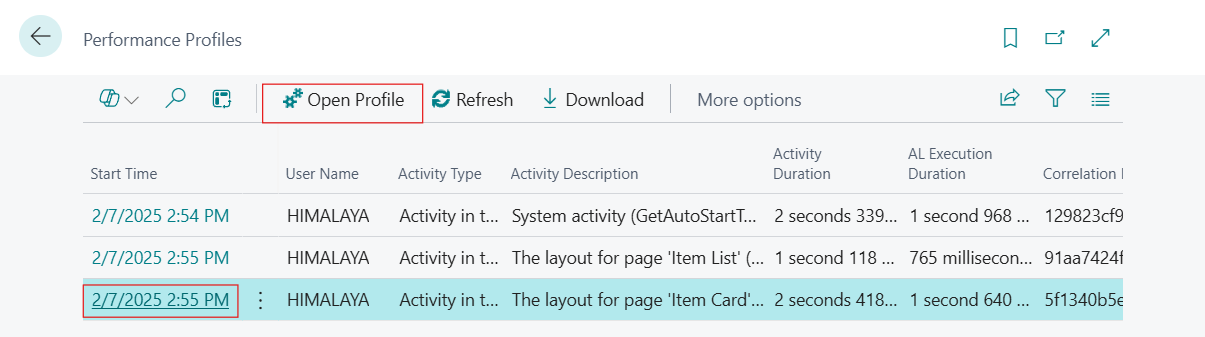
PS: You can also open Performance Profiles list page from the Profiler Schedules page
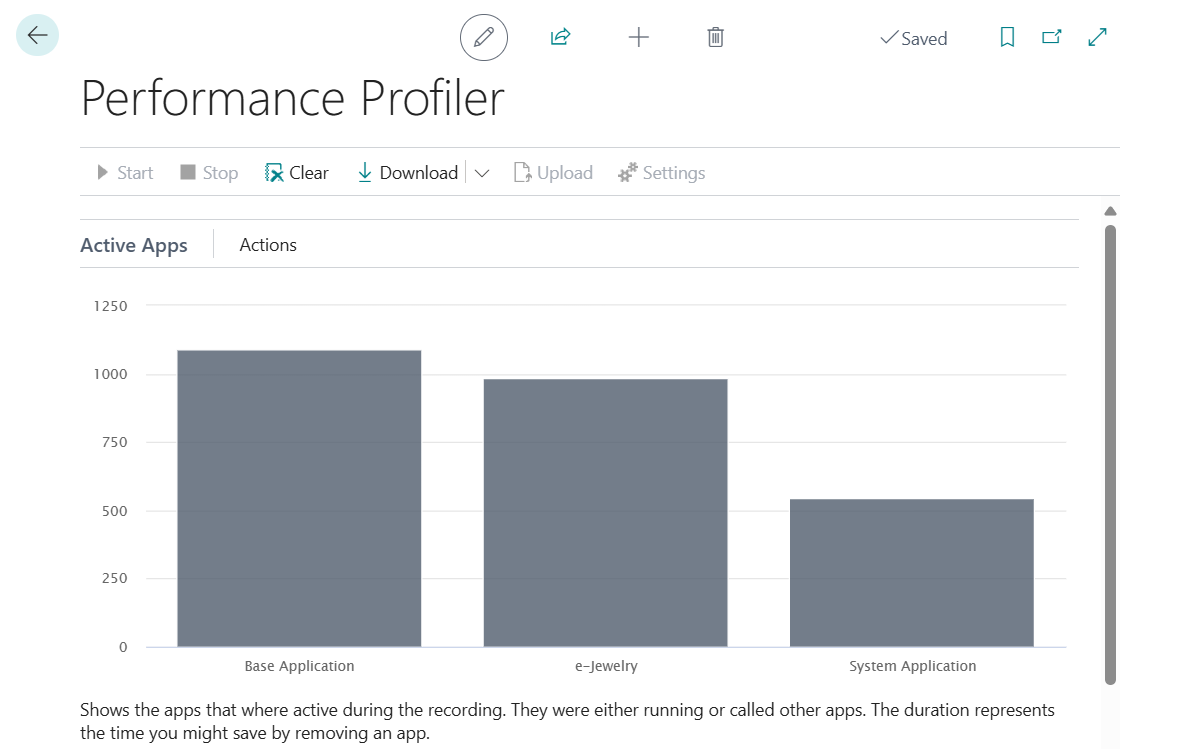
With this, a customer admin, consultant, support person, or developer can set up a specific scheduled rule, for example, to profile as a given user and session type for a given duration. Once the rule is defined and enabled, the server will trigger a profile each time the rule is met. At the end of the duration, profiling will stop, and the results can be inspected to see if there are any performance issues, including intermittent or long-running ones.
With the Scheduled Performance Profiler, businesses can better monitor system efficiency, identify bottlenecks, and optimize their Business Central environment effortlessly. Stay tuned for more insights on leveraging this feature for maximum productivity!