

The modern search feature is a useful addition that enhances operations in Business Central 2025.
In the 2022 Release Wave 2, we introduced the modern action bar feature. Previously, the modern action bar was an optional feature that could be enabled by selecting “All Users” in the Enabled for column on the Feature Management page. With the 2024 Release Wave 1, the modern action bar is now automatically enabled for all users.
At the top of each list page, there is a Search button that provides a quick and easy way to filter records, displaying only those that contain the data you’re interested in.

New features:
Users can now switch between the “legacy” search, which searches through all columns, and the “modern” search, which only searches in columns optimized for full-text search.
For example, when you select the “legacy” search option, you must type the exact text; otherwise, the legacy search won’t return any results. In contrast, when you select the “modern” search option, you can type partial words, and the modern search will capture relevant values.
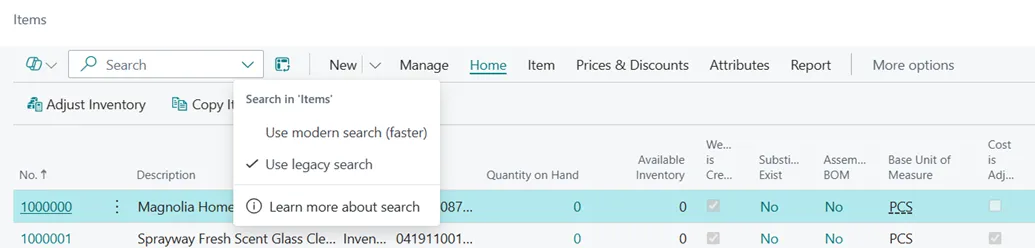
The modern search is faster and more flexible. Let’s illustrate this with an example: In the Cronus company, there is an item named “LONDON Swivel Chair, Blue.” If you enter “London chair” as the search text, the legacy search won’t return any results because that exact text doesn’t match any part of the item name. However, the modern search finds the item by matching the words “London” and “chair” separately.

This demonstrates that while no items are visible with the legacy search when using non-exact match text, the modern search successfully displays relevant items.

This means that modern search is more powerful, useful, and efficient than the legacy search.
MODERN SEARCH IS AVAILABLE ON HOW MANY PAGES?
1. ITEM

When using modern search on the item card, it filters based on the Item Number and Description columns. This feature allows you to filter items using simple words rather than requiring exact matches.
2. CUSTOMER CARD:
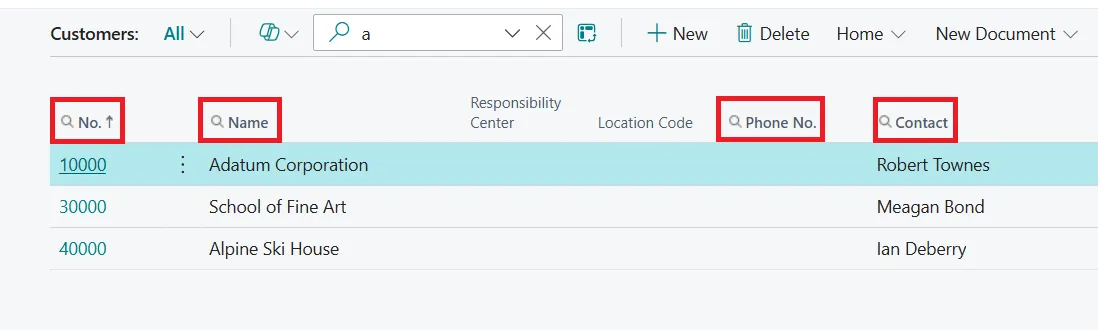
On the customer card, modern search filters based on Customer Number, Customer Name, Phone Number, and Contact columns. This makes it easier to locate specific customers without needing to remember their exact details.
3. VENDOR CARD:
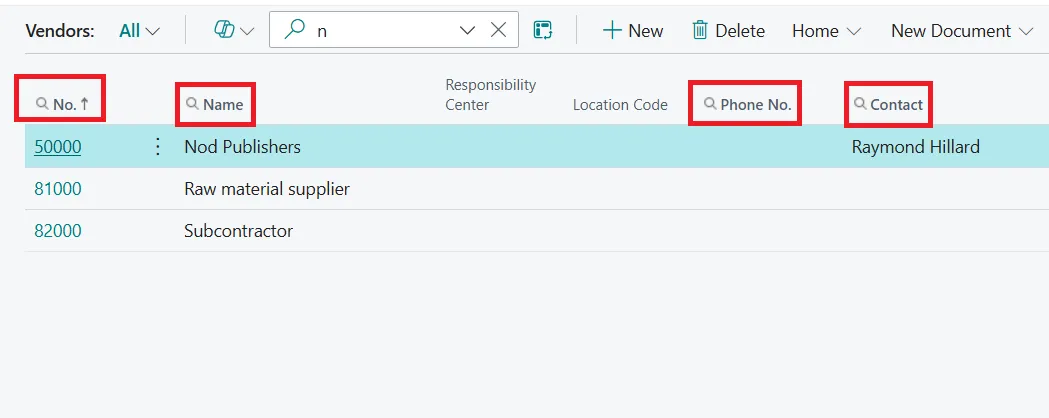
On the vendor card, modern search filters based on Vendor Number, Vendor Name, Vendor Phone Number, and Contact columns. This functionality streamlines the process of finding vendor information, enhancing overall efficiency.
Summary
Modern search is a feature introduced to improve the search experience within Microsoft Dynamics 365 Business Central. It provides faster, more relevant, and precise search results by focusing on columns optimized for full-text search. This new search functionality allows users to quickly find the information they need, enhancing productivity and user experience.
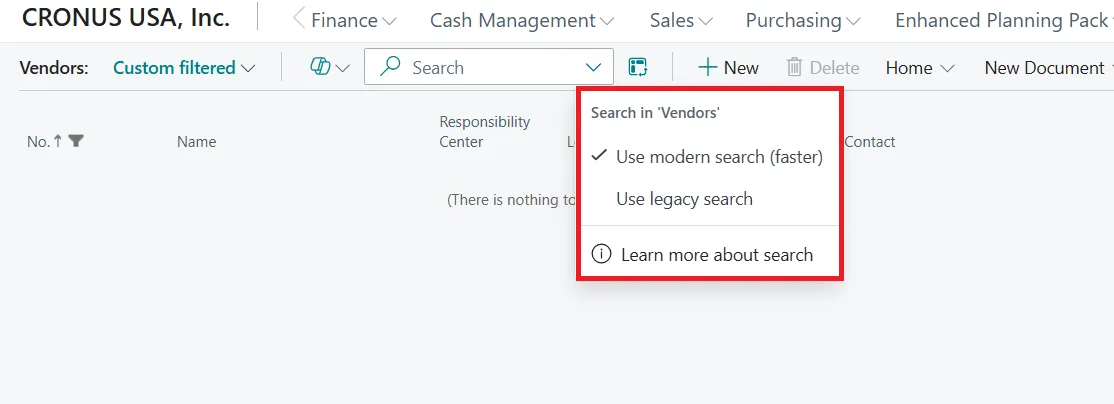
- Enhanced Speed and Precision: Modern search provides faster and more precise results compared to legacy search, as it only searches columns optimized for full-text search.
- Advanced Search Techniques: Users can enclose search terms in quotes to get more specific results, making the search process more efficient.